Photo
PNG, JPG, or WebP · under 8 MB. Position and crop your photo before saving.
You need to be signed in to change your settings.
Sign inPNG, JPG, or WebP · under 8 MB. Position and crop your photo before saving.
These discipline colours are your profile graph's, and Branchspace's graphs use them too. Back to automatic lets the site choose again; the colour it picks then stays put, so a new discipline never reshuffles the others.
Tags isolation
The graph view is kept in this browser only. Colours are saved to your profile.
Loading graph settings…
Signed in as …
Choose a colour theme. It applies across Branch Press.
Scale the whole interface — text, icons, logos, and images. Applies everywhere.
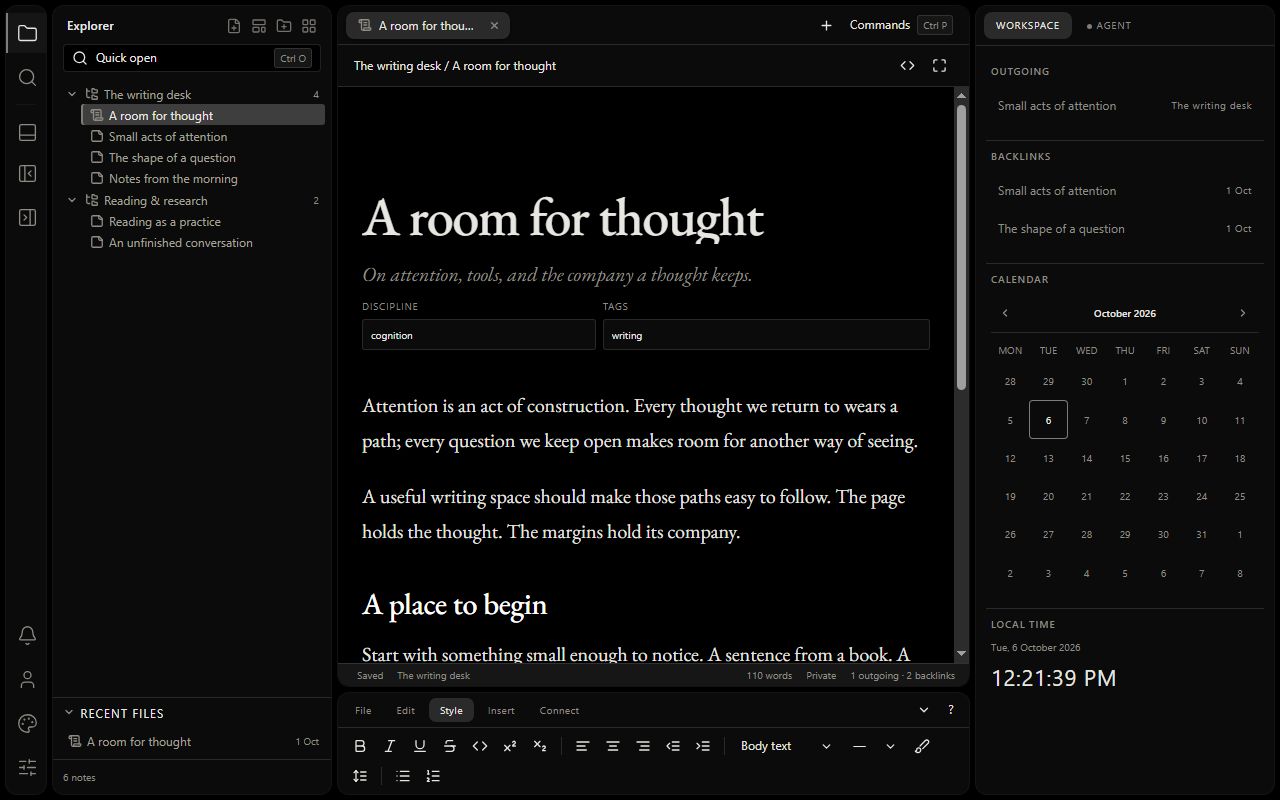
Change the look of your workspace — its panels, menus and lettering. Your notes, essays and dailies keep their own look, and your colour theme stays the same. Saved in this browser only.
Which day the activity heatmap starts on.
An assistant in Branchspace's right pane that reads your notes and proposes changes, which you accept or reject one by one. It runs on your own OpenRouter account: you pay OpenRouter for what you use, and Branch Press charges nothing for it.
Checking…
Tell the agent how you like it to work — how to write, what to leave alone, how to link — in a note called AGENT.md. The one in Unfiled applies in every space; a space can have its own AGENT.md (right-click the space › Agent instructions for this space), which adds to it and wins where they differ. They never let the agent do more than its settings allow.
What you ask, and the notes the agent reads, go to OpenRouter and to the company running the model you choose, only to hosts that neither keep nor may train on them. Your conversations with the agent are saved in your account, with the note text they quote, until you delete them. Disconnecting forgets the connection here; the key stays on your OpenRouter account until you delete it at openrouter.ai/keys.
Keep a copy of everything you write in Branchspace in your own Google Drive: one Markdown file per note, in a “Branch Press” folder with a folder for each space. Obsidian can open it as a vault. Branch Press can see only the files it makes there, nothing else in your Drive. The folder starts at the top of My Drive; move or rename it anywhere in your Drive, and the copying follows it.
Copy changes now sends, from this page, the notes that are new or changed since they were last copied (from any computer), and any your Drive is missing, then says what it copied. While Branchspace is open, each note is also copied shortly after it changes. A note you delete goes to Drive’s trash, where Google keeps it for 30 days. Disconnecting stops the copying and removes Branch Press’s access; the files stay in your Drive.
When a writer you follow publishes, it appears in your notifications. Nobody can see whom you follow, or how many follow you.
You hear of everything new in the Press of each writer you follow: whatever they publish. Their daily notes reach you only if they turn on the journal switch.
Anyone whose comments you have hidden, and anyone you have blocked — one list, because from your side they are the same thing: people you have stopped seeing. Their comments show as a placeholder to you and nothing changes for them. They are never told.
A site you connected keeps your highlights, notes and saved essays from it in your Branch Press account. They are shown only on that site, never on Branch Press. Comments you post there are public on that site and stay published if you disconnect; you can withdraw them on the site.
The shelves you can save an essay to, from the Save button at the end of any essay. Deleting a category only removes that shelf — the essay stays saved anywhere else you put it.
Checking…
Sign out of Branch Press on this device.
Where you're currently signed in. Browser-reported device info only — not exact location.
Sign out of Branch Press everywhere except this device — useful if you signed in somewhere you no longer trust. This device stays signed in.
Add an authenticator app (like Google Authenticator, Authy, or 1Password) as a second step when signing in.
Two-factor authentication is on. You'll be asked for a code from your authenticator app each time you sign in.
Scan this QR code with your authenticator app, or enter the code below manually. Then type the 6-digit code it shows you.
Save these recovery codes somewhere safe — a password manager or printed copy, not just this screen. Each works once, if you ever lose access to your authenticator app. Using one removes two-factor authentication from your account so you can sign in and set it up again; it isn't a normal sign-in code. These won't be shown again after you leave this page.
Templates writers submit to the library. Nothing is published until you approve it. Rejecting or unpublishing asks for a reason, which the author reads. Copies people have already installed are theirs and are never touched. Branch Press templates are not listed here: they are managed in the template file and its seed.
Problems and ideas writers sent from “Report a problem”, newest first. Mark one seen when you have read it, and fixed when it is dealt with. An email address appears only when the sender allowed a reply.
For security, confirm your current password. A confirmation link is sent to the new address; the change applies only after you confirm it.
This permanently deletes your account and everything in it — your private notes, spaces, and compositions, your reading list, highlights, reading history, your public profile, and your avatar. It cannot be undone.